Keystone 3 Pro Review: Air-Gapped Security Without USB or Bluetooth
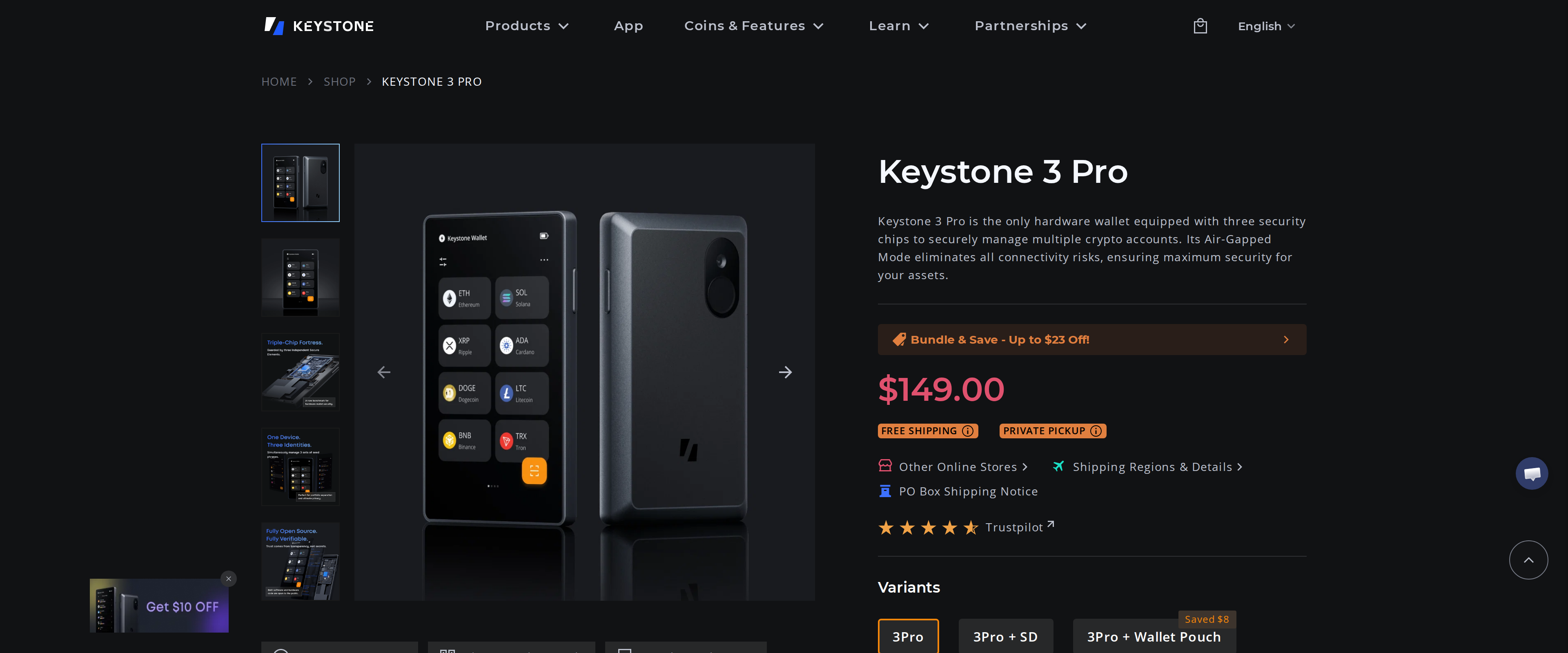
Keystone 3 Pro signs every transaction through a scanned QR code instead of a cable or wireless link. We paired it with MetaMask for three weeks to see if that extra step is worth the $149.
Our verdict
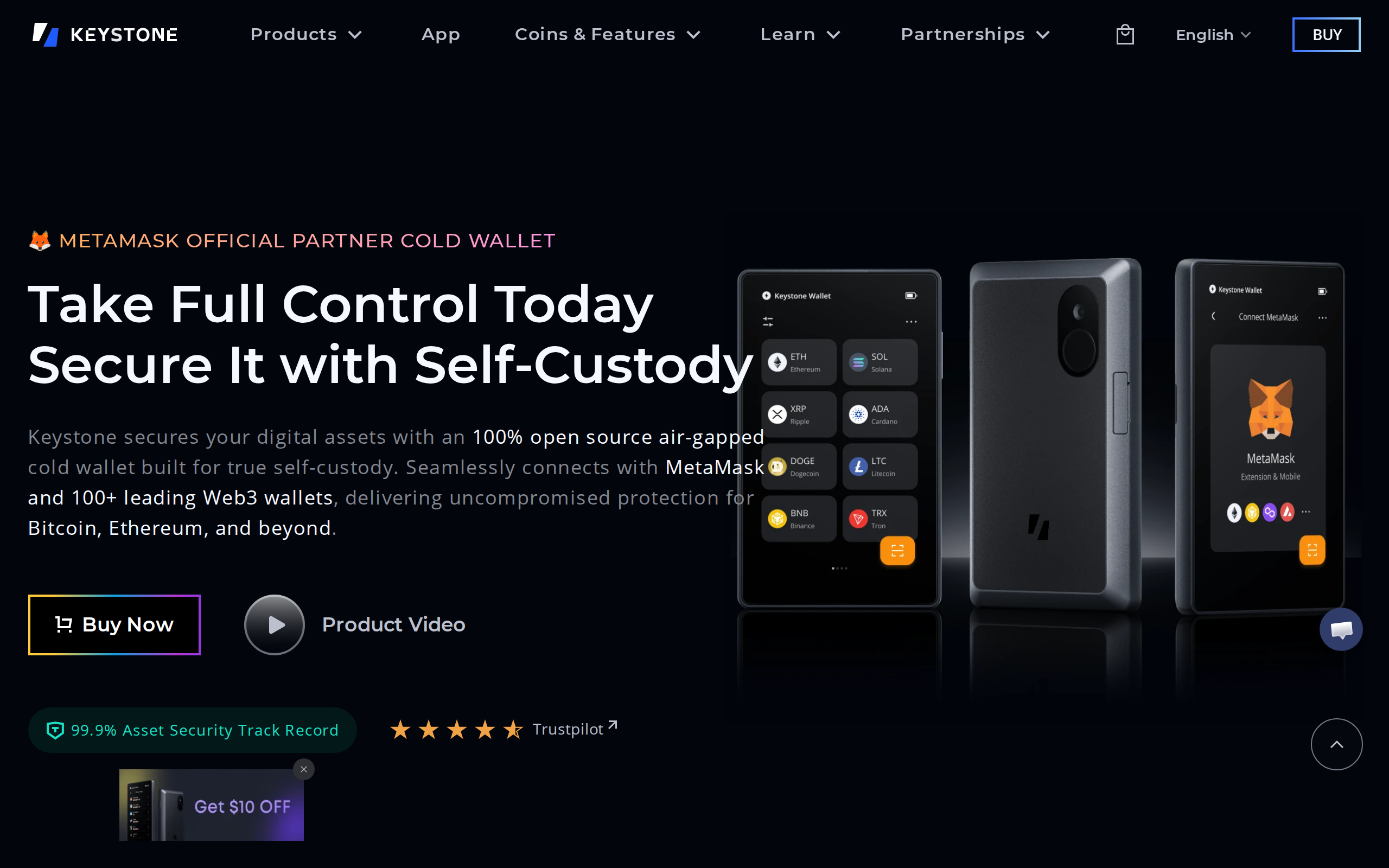
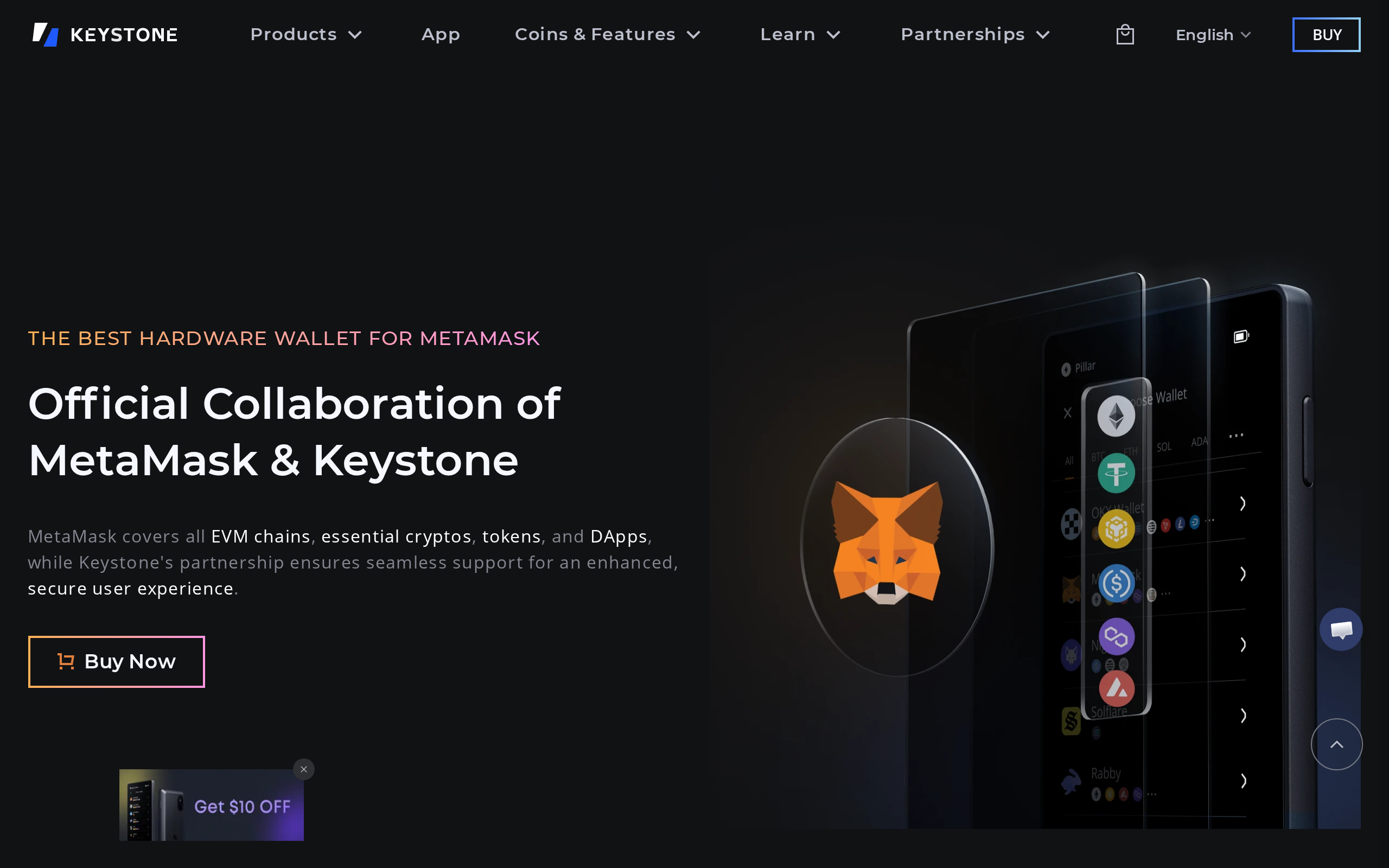
Keystone 3 Pro removes the entire USB and Bluetooth attack surface that other hardware wallets accept as a cost of convenience, and its official MetaMask partnership means the QR-code workflow is genuinely supported rather than bolted on. The tradeoff is real: every transaction takes two scans instead of one tap, and that friction will bother a trader who signs dozens of transactions a day. For anyone who touches DeFi through MetaMask regularly but does not need USB-speed signing, it is the strongest air-gapped option we have tested.
Best for: MetaMask and DeFi users who want zero wireless or cable attack surface and can accept a slower, two-scan signing process
No cable, no radio, and that is the whole design
Most hardware wallets plug into a computer over USB or pair over Bluetooth, and both of those are attack surfaces a determined attacker can target. Keystone 3 Pro removes both: it moves signed data in and out through scanned QR codes and an optional microSD card, never a wire or a wireless signal. We bought one for $149, paired it with MetaMask for three weeks, and used it for actual DeFi transactions to find out whether that isolation is worth the extra steps it demands. The question we kept coming back to was practical rather than theoretical: does removing every wireless and wired attack surface survive contact with the way people actually sign transactions day to day, or does it only work as a demo?
The workflow: scan, check, scan back
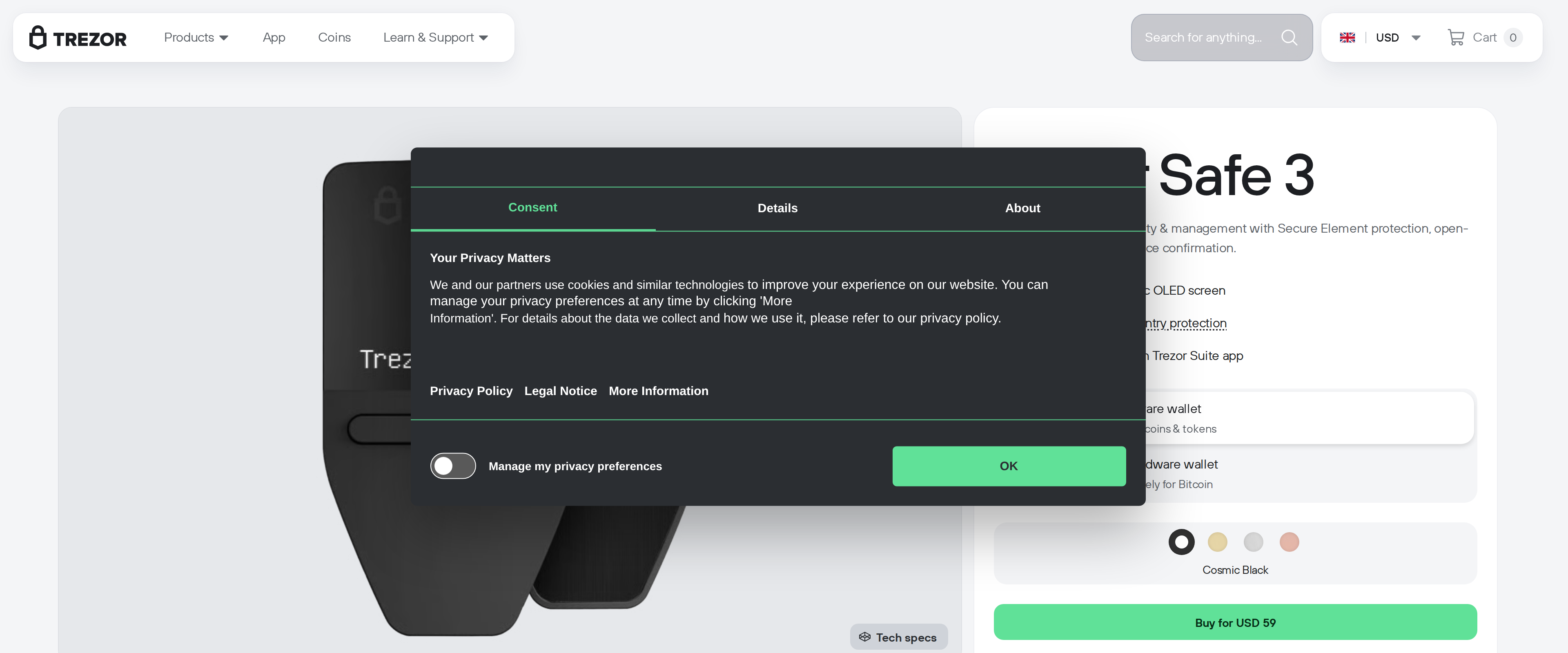
Signing a transaction on Keystone 3 Pro means MetaMask generates a QR code, the Keystone camera reads it, the device's 4-inch touchscreen displays the full transaction details for you to check, and after you approve, the Keystone displays a second QR code that MetaMask scans to complete the broadcast. Two scans per transaction, every time. For an occasional send or a monthly DeFi position this barely registers. For someone signing a dozen contract interactions in a session, it adds up, and it is genuinely slower than tapping a USB-connected Trezor Safe 5 or Ledger.