Coldcard Q Review: A Keyboard and a 2026 Firmware Bug to Reckon With
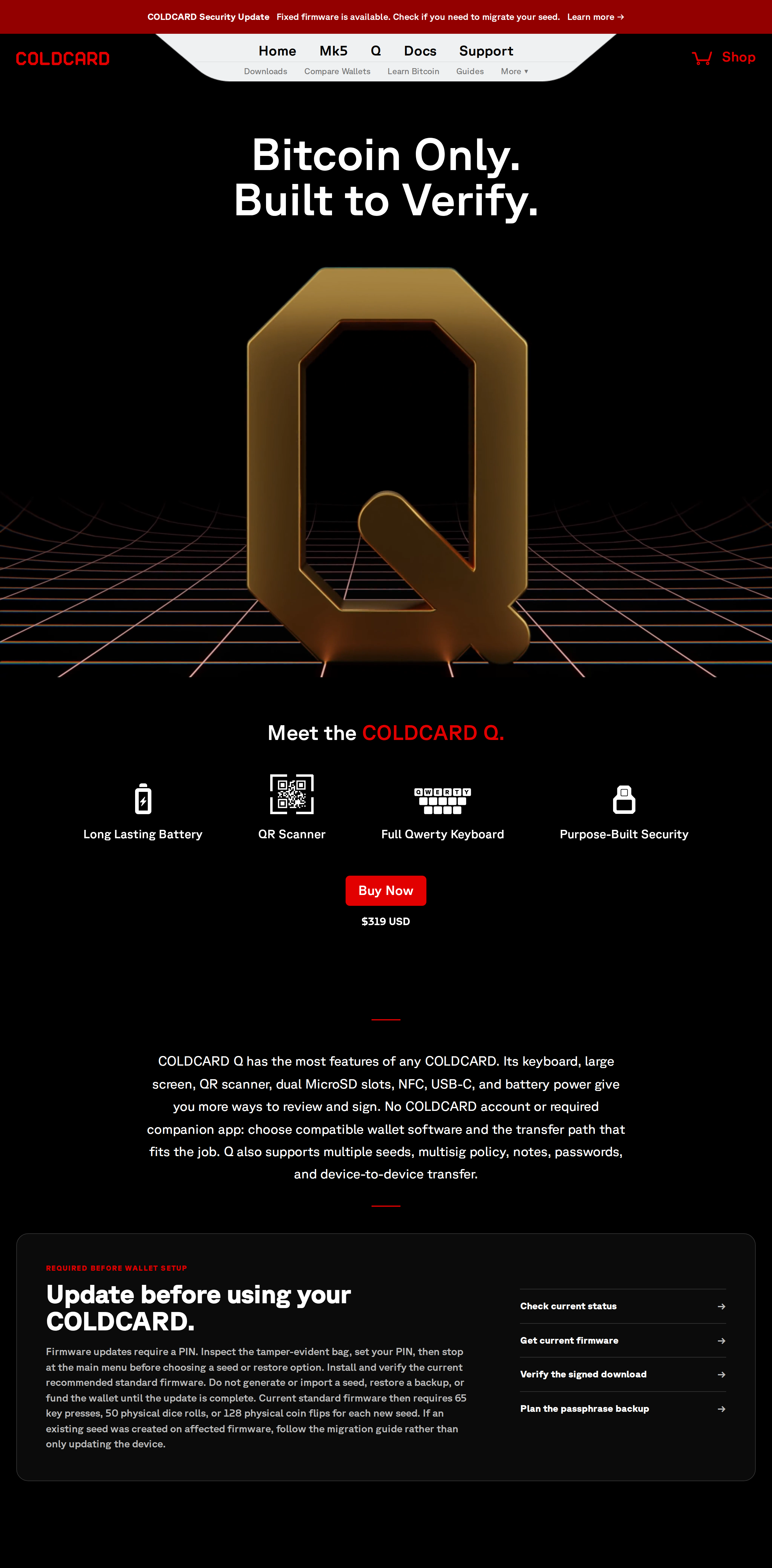
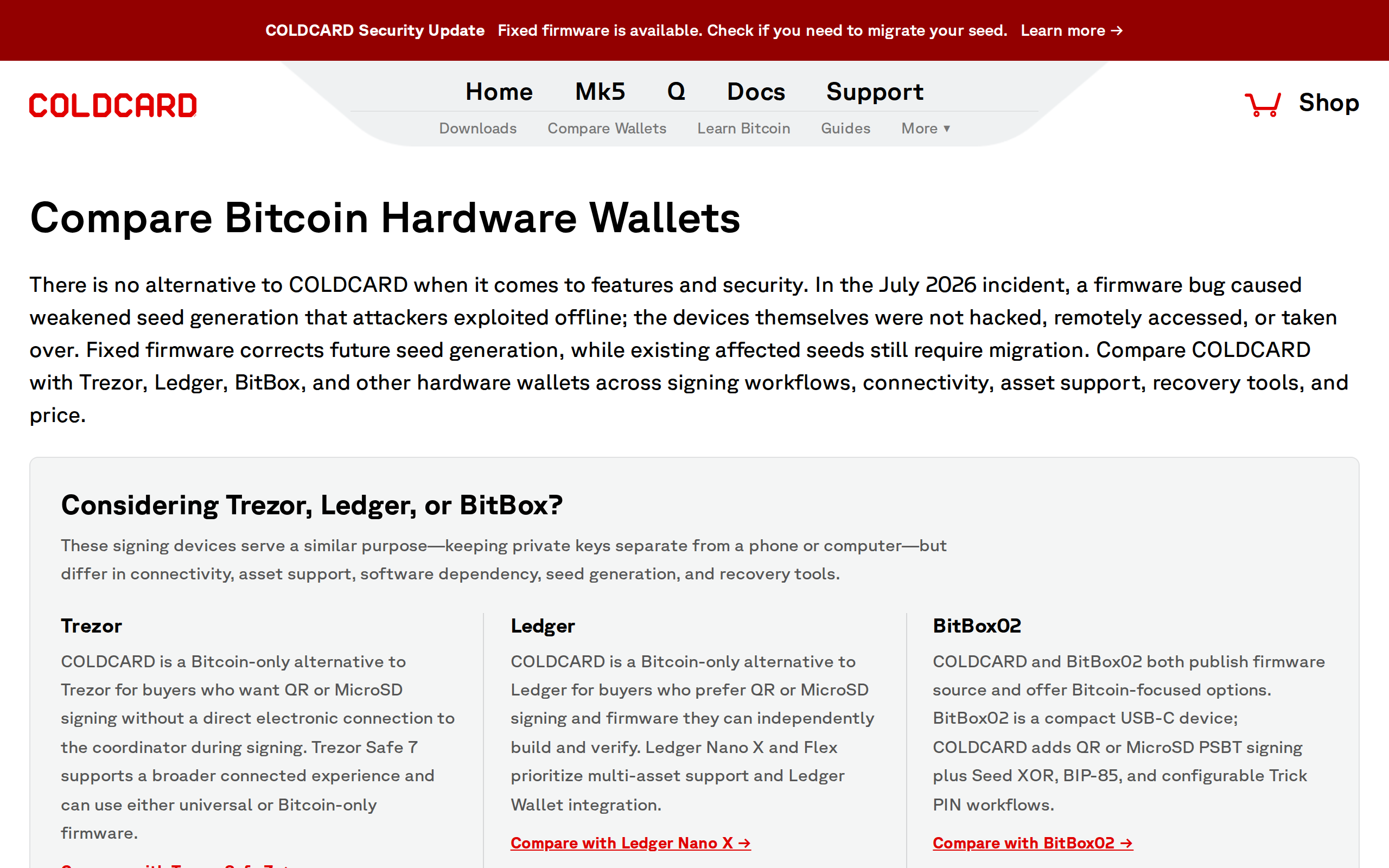
Coinkite's Bitcoin-only Coldcard Q adds a full QWERTY keyboard and a QR scanner to fully air-gapped signing. We tested passphrase entry against a Ledger and checked the firmware advisory Coinkite issued after a July 2026 seed-generation bug.
Our verdict
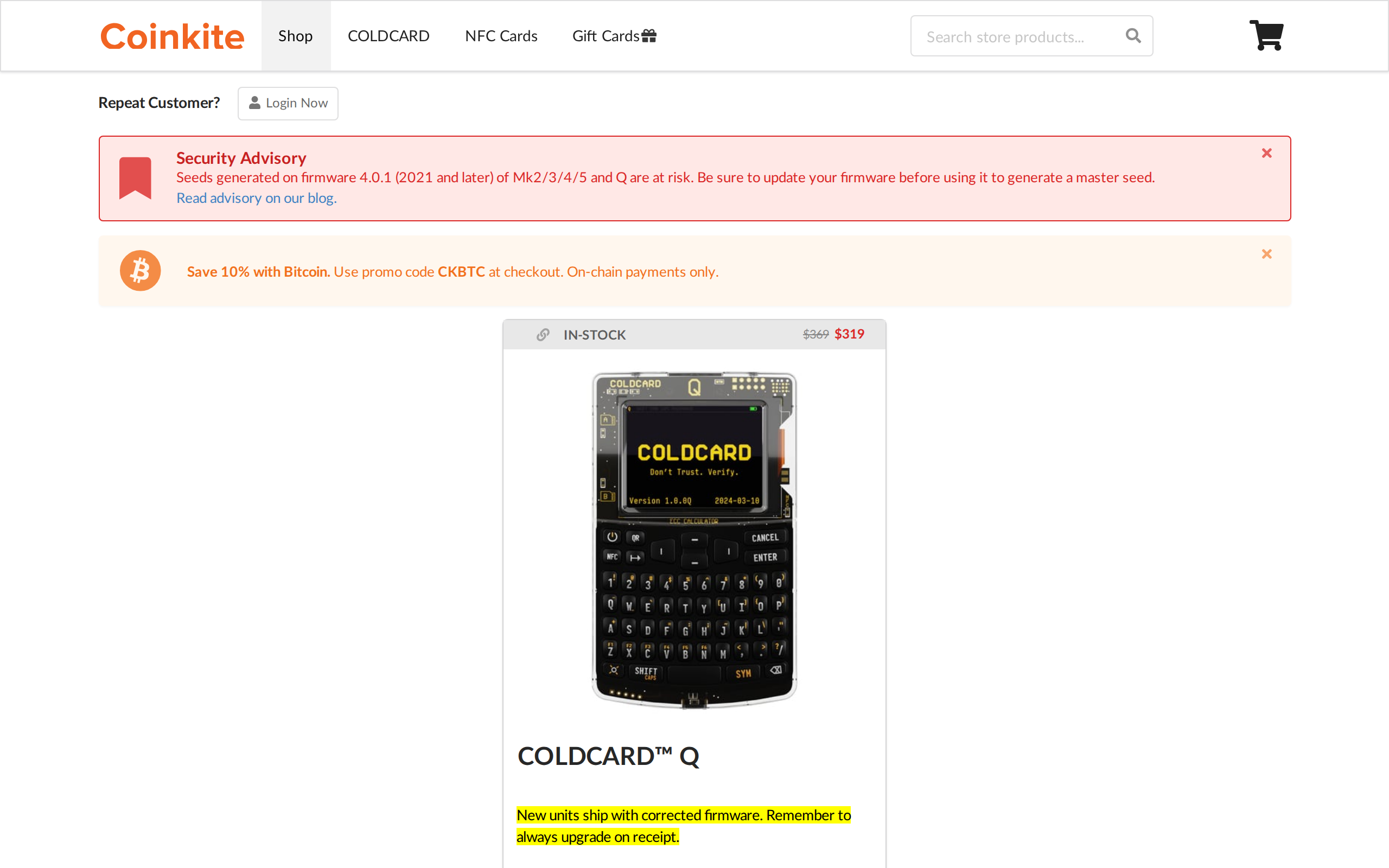
The Coldcard Q is the most capable Bitcoin-only signing device we have used, largely thanks to a full keyboard that turns a long BIP-39 passphrase into a normal typing task. It pairs that with dual secure elements and true air-gapped signing over QR or MicroSD. Coinkite also had a real incident in July 2026, a firmware bug that weakened seed generation; new stock ships fixed, but older devices need a seed migration. For a long-term holder willing to read that advisory, the Q remains the strongest signing device around. Beginners wanting plug-and-play should look elsewhere.
Best for: Long-term Bitcoin-only holders who want passphrase support and true air-gapped signing
A hardware wallet with a keyboard sounds like overkill until you have typed a twenty-five word passphrase one button-click per letter on a device with four buttons total. The Coldcard Q fixes that specific annoyance, and it does it while staying entirely offline if you want it to.
The keyboard changes how you actually use a passphrase
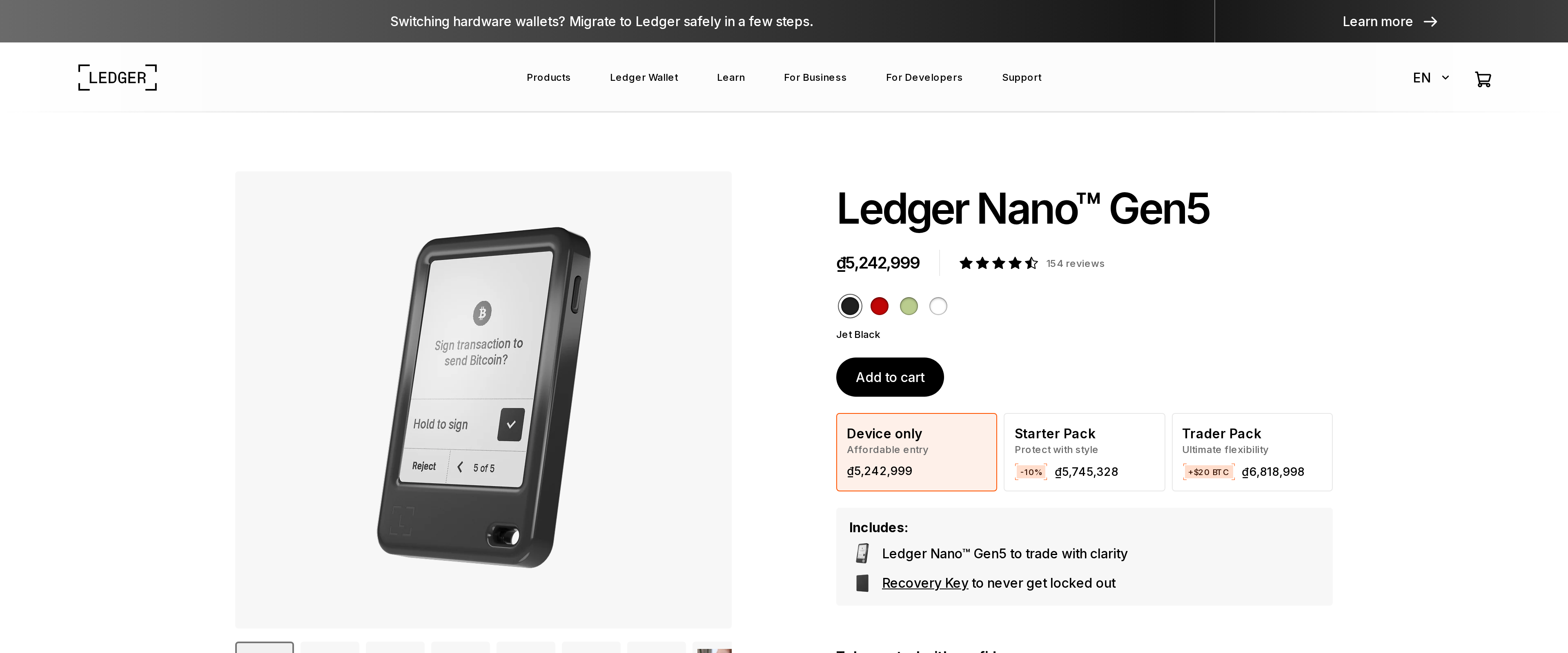
We set up a 25th-word BIP-39 passphrase on the Q and on a Ledger side by side. On the Ledger, entering anything beyond a short word meant scrolling through an on-screen alphabet one character at a time. On the Q, we typed it like a phone. That is the entire pitch of this device in one comparison: if you use a passphrase, and long-term Bitcoin holders often should, the Q turns a two-minute ordeal into a fifteen-second task. Coinkite's own copy calls it "REQUIRED BEFORE WALLET SETUP" for anyone who wants a hidden wallet layer, and having typed both ways, we would not go back to a four-button device for that step.
Signing without ever touching a USB cable
The Q reads and writes PSBTs through its QR scanner or either of its two MicroSD slots, so a fully air-gapped setup, seed generated offline, transactions signed offline, never needs a USB connection to a computer at all. We ran a full send-and-broadcast cycle using only QR codes between the Q and a watch-only wallet on a phone, and the round trip took under a minute once we knew the flow. NFC is also on board for tap-to-sign with compatible coordinators.