Crypto.com App Review: Convenient Buys, But the Spread Adds Up
We bought crypto through the Crypto.com App's instant buy screen, then ran the same trade through the Exchange side and the Visa Card tiers, to see what the convenience actually costs against the exchange's posted fee table.
6.8out of 106.8
Our verdict
The Crypto.com App is the easiest way we tested to buy crypto on a phone, and the most expensive for anyone who trades more than occasionally. The instant buy screen hides a spread that can run past 1%, while the Exchange tab sitting one swipe away starts at 0.25% maker and 0.50% taker before any CRO discount. Casual buyers and card users chasing cashback can stay on the App; anyone placing more than a handful of trades a month should move to the Exchange tab inside the same account.
Best for: Casual buyers who want crypto and a cashback Visa card in one app
Crypto.com built one app that tries to be a brokerage, a savings account and a rewards card at once. We installed it, bought a small amount of Bitcoin through the instant buy screen, then repeated the trade through the Exchange tab hiding inside the same app, to see how far apart the two really are.
Two ways to buy, one much cheaper than the other
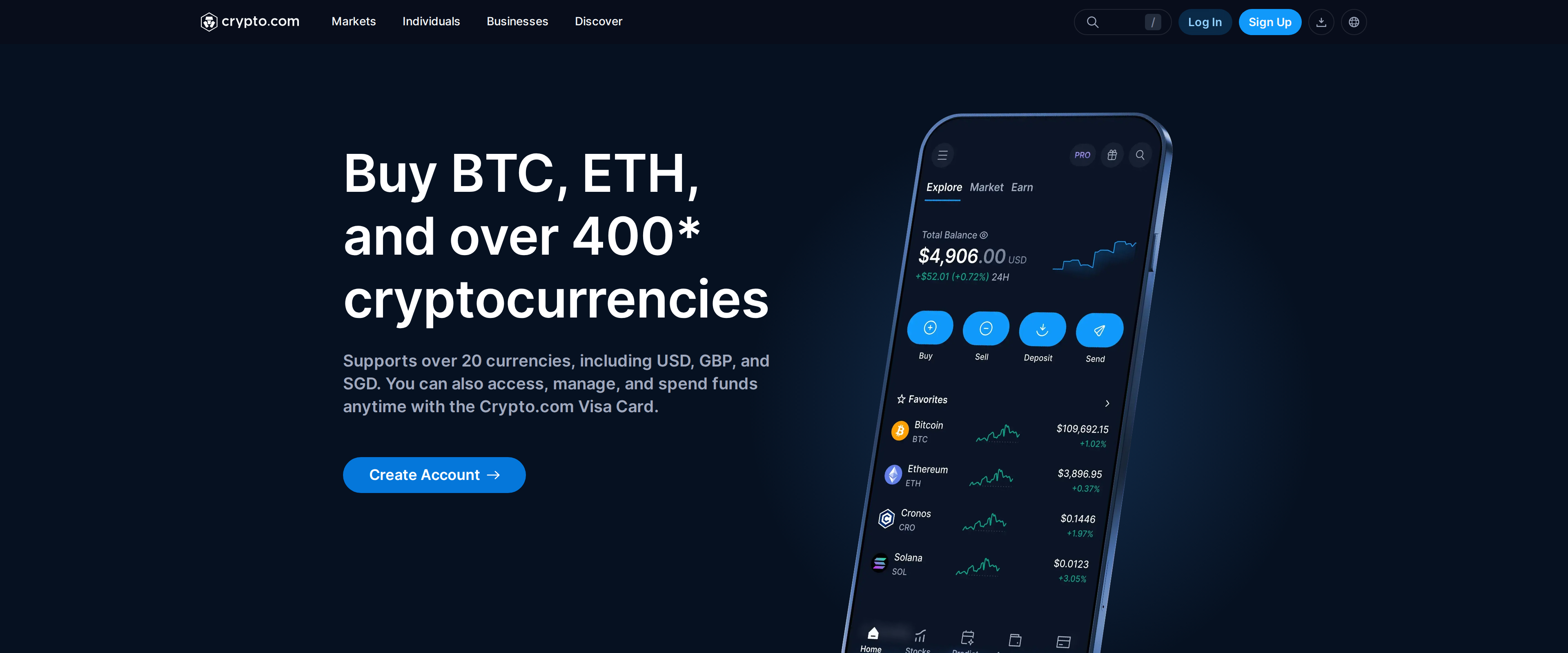
The App's instant buy screen shows a single confirm button and no visible fee line. Crypto.com states deposits and crypto-to-crypto conversions inside the app at 0.00%, and that is technically true. What it does not show is the spread built into the quoted price, which independent testing puts between 0.5% and 2% depending on the pair and the moment you trade. The app's own download page advertises over 400 supported cryptocurrencies and more than 20 fiat currencies, a breadth that made the instant buy screen feel like the obvious first stop for us, right up until we compared its fill price against the Exchange tab's quote for the same pair a minute later.
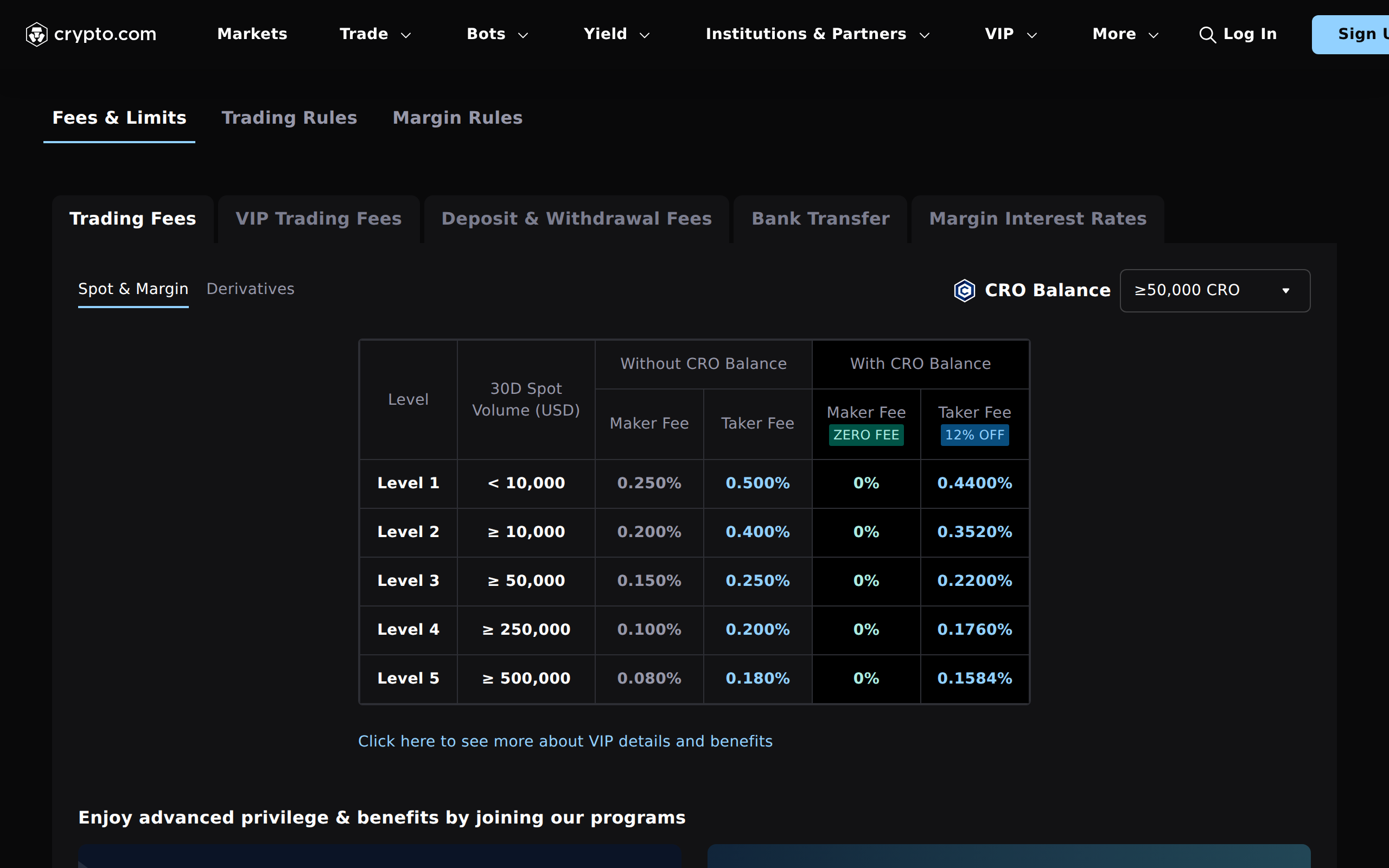
Switch to the Exchange tab in the same app and the fee becomes a number you can read on a table instead of guess at. Level 1, under 10,000 dollars of 30-day volume, costs 0.25% maker and 0.50% taker with no CRO held. Hold at least 50,000 CRO and the maker fee drops to zero, with the taker fee cut 12% to 0.44%. Trade past 500,000 dollars a month and the top tier falls to 0.08% maker and 0.18% taker.
The Exchange's fee schedule, with the maker and taker rate at each 30-day volume level
We ran the same 500 dollar trade both ways. On the App it cost us roughly five dollars once we compared the fill price against the mid-market rate at the same moment; on the Exchange tab it cost about a dollar twenty five at the base Level 1 taker rate. Same account, same funds, five times the cost, just for tapping the simpler button.
The card is the real reason people stay
Buying crypto is not really what keeps most users on Crypto.com. The Visa Card is, and it is worth pulling apart on its own. Entry tiers like Ruby Steel need roughly 400 dollars of CRO staked and pay 1% cashback. The upper tiers scale up to 5%, but they need a six-figure CRO stake locked for 180 days, and unstaking early costs you the card's benefits, not just future rewards.
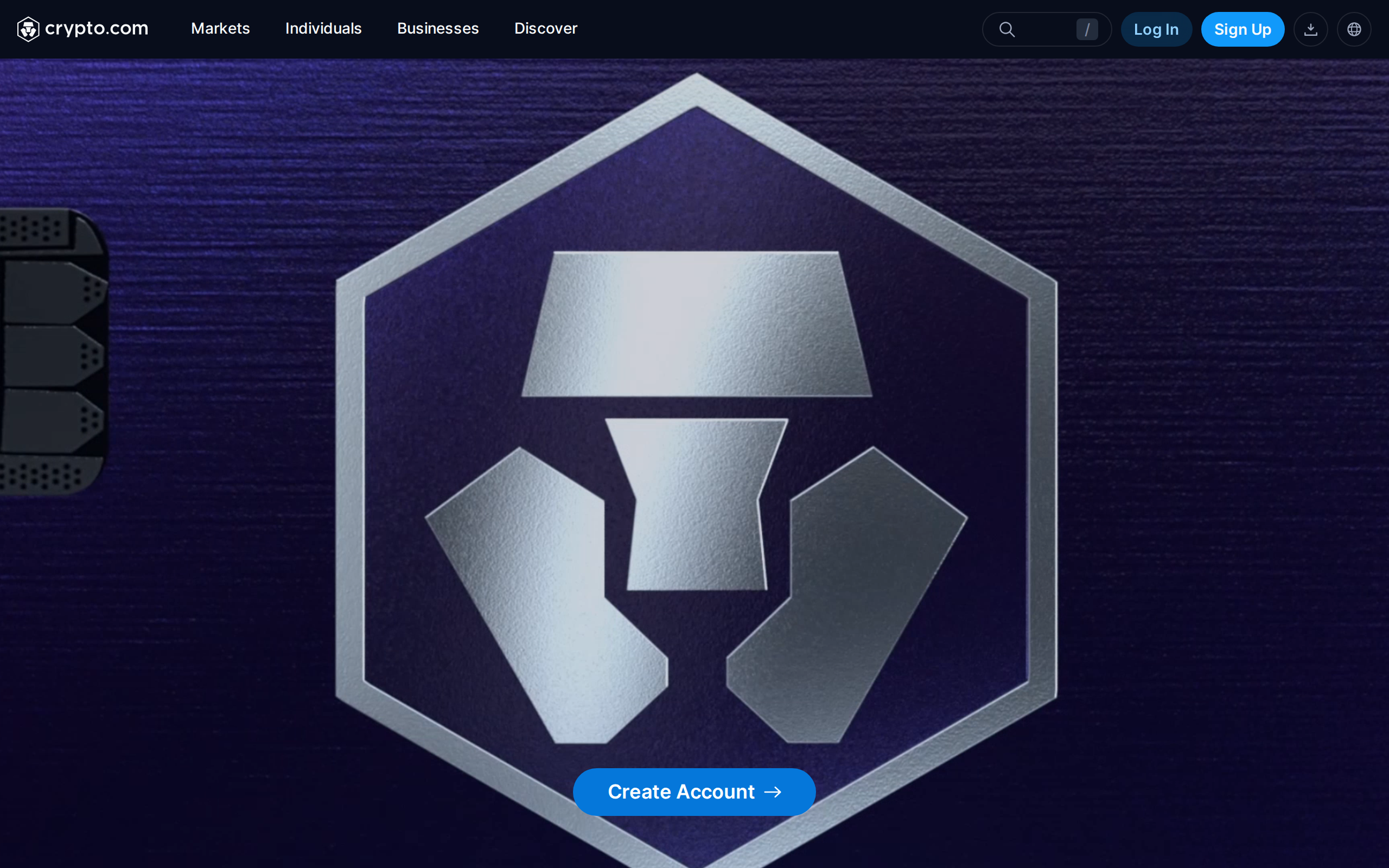
The Visa Card landing page, promoting cashback tiers tied to CRO staked
That structure only pays off for someone already comfortable holding a meaningful CRO position through its price swings. Loading the card by credit card instead of a bank transfer costs 2.99%, which erases most of the benefit at the lower cashback tiers before a single purchase is made. We would not recommend staking CRO purely to chase a card tier; it makes sense only for someone who already wanted CRO exposure and is happy to take the card perks as a bonus.
Where the app shows up beyond its own site
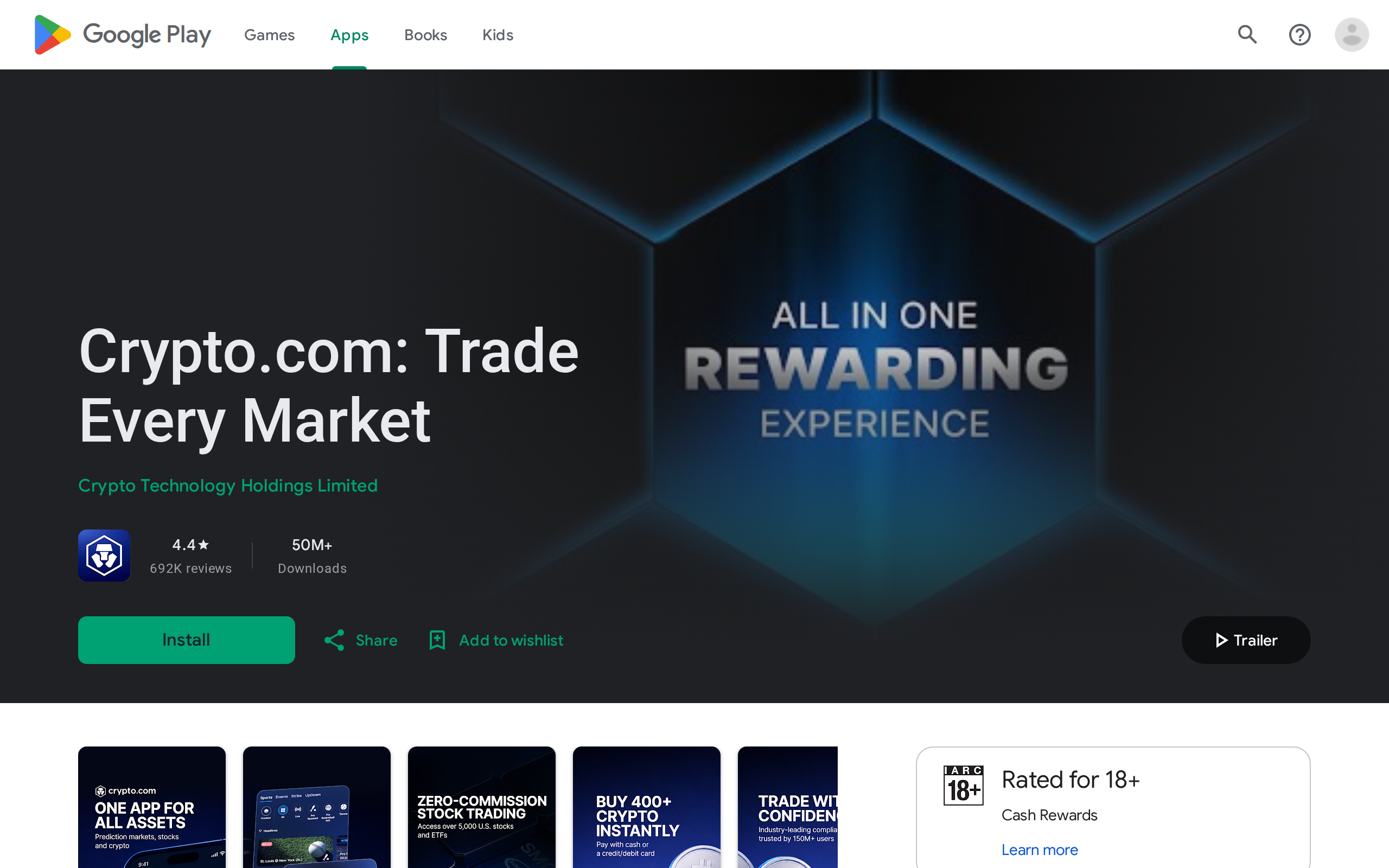
Crypto.com's mobile app carries a large install base and a long review history on both app stores, which is part of why casual buyers default to it over a dedicated exchange app.
The app's Google Play Store page, one of the most-reviewed listings in its category
That scale cuts both ways. It means support queues can be slow during busy periods, a pattern we saw echoed across independent reviews, and it means the instant-buy spread affects a very large number of small trades, not a rounding error confined to a few users.
What backs the funds sitting in the app
Everything bought through either tab sits in a custodial account, not a wallet we control. Crypto.com points to roughly 750 million dollars in cold-storage insurance plus a further 120 million dollars covering its US custody trust, arranged through Aon with Lloyd's of London underwriters. We take that as a meaningful backstop, though its published Proof-of-Reserves check is anchored to a Merkle-tree snapshot taken in 2022 rather than a continuously updated audit, so it shows reserves existed at that point in time more than it proves the balance today. A 2022 security incident affecting about 35 million dollars across several hundred accounts was fully reimbursed by the platform, which is the track record we would want to see before trusting a custodian with anything beyond a working balance.
Our verdict
Casual buyers and card users are well served by staying on the App: the convenience of one login for buying, holding and a cashback card is real, and the spread on a small occasional purchase is a few dollars, not a few hundred. Anyone trading more than a handful of times a month should move to the Exchange tab in the same app, where the posted fee table beats the instant-buy spread by a wide margin, and check the CRO balance requirement before assuming the best rate applies to them.
What we liked
One app covers buying, the Visa Card, staking and an Exchange tab, so no separate sign-up for active trading
Deposit and crypto-to-crypto conversion inside the app are quoted at 0.00%
Exchange-side spot fees start at 0.25% maker and 0.50% taker, dropping toward 0.08%/0.18% at the top volume tier
Visa Card cashback scales with CRO staked, from 0% with no stake up to the higher tiers for larger holders
What held it back
The instant buy/sell screen embeds a spread of roughly 0.5% to 2% with no separate fee line shown
Reaching 0% maker fees on the Exchange side requires holding at least 50,000 CRO in the account
Card cashback above the entry tiers needs CRO staked for 180 days, and unstaking early forfeits the card benefits
Topping up the card by credit card costs 2.99%, which can erase a low cashback tier's benefit entirely
Specs
App deposit fee
0.00% for crypto deposits
App crypto-to-crypto conversion
0.00% quoted, spread embedded in the quoted price
Exchange spot fee, Level 1
0.25% maker / 0.50% taker, under $10,000 30-day volume