TradingView review: which plan a crypto trader actually needs
We charted BTC and ETH on the free Basic tier for two weeks, hit its alert and indicator ceilings, then compared what Essential and Plus unlock before deciding which plan is worth paying for.
8.4out of 108.4
Our verdict
TradingView's free tier is genuinely usable for a crypto trader because crypto data stays real-time even on Basic, unlike delayed stock quotes. The ceiling you hit first is alerts, not charting: three active price alerts is not enough for anyone watching more than a couple of pairs, and that single limit is what actually pushes most traders to Essential.
Best for: Crypto traders who want one chart platform across every exchange and mainly need more alerts than charts
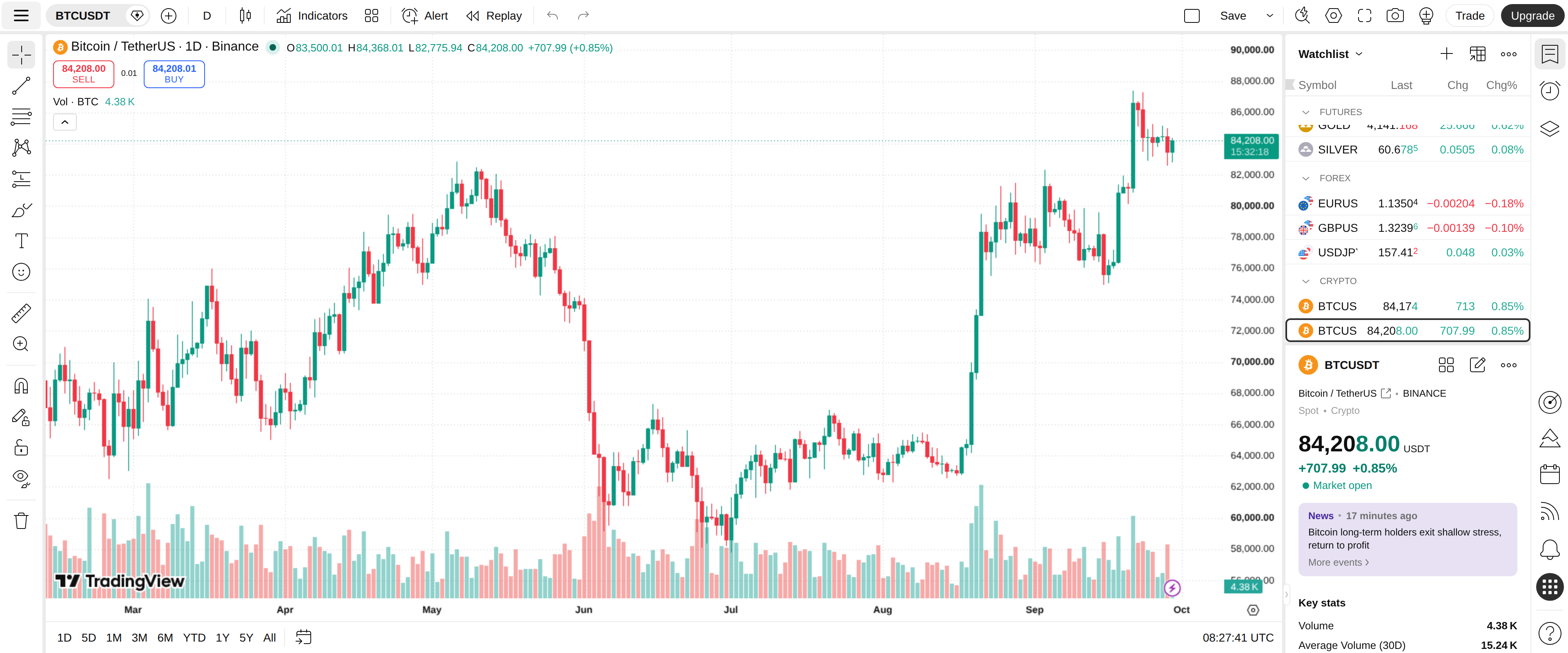
Every crypto trader ends up on TradingView eventually, usually because an exchange's own chart feels thin. We spent two weeks charting BTC and ETH on nothing but the free Basic plan before upgrading, to find the exact point where the free tier stops being enough.
Crypto data stays real-time when stock data does not
The single fact that decides whether Basic works for a crypto trader: price data for crypto stays real-time on every plan, including free, while stocks and ETFs run on a roughly 15-minute delay depending on the exchange. A trader watching BTCUSDT on Binance sees the same tick-by-tick candles a paying user does.
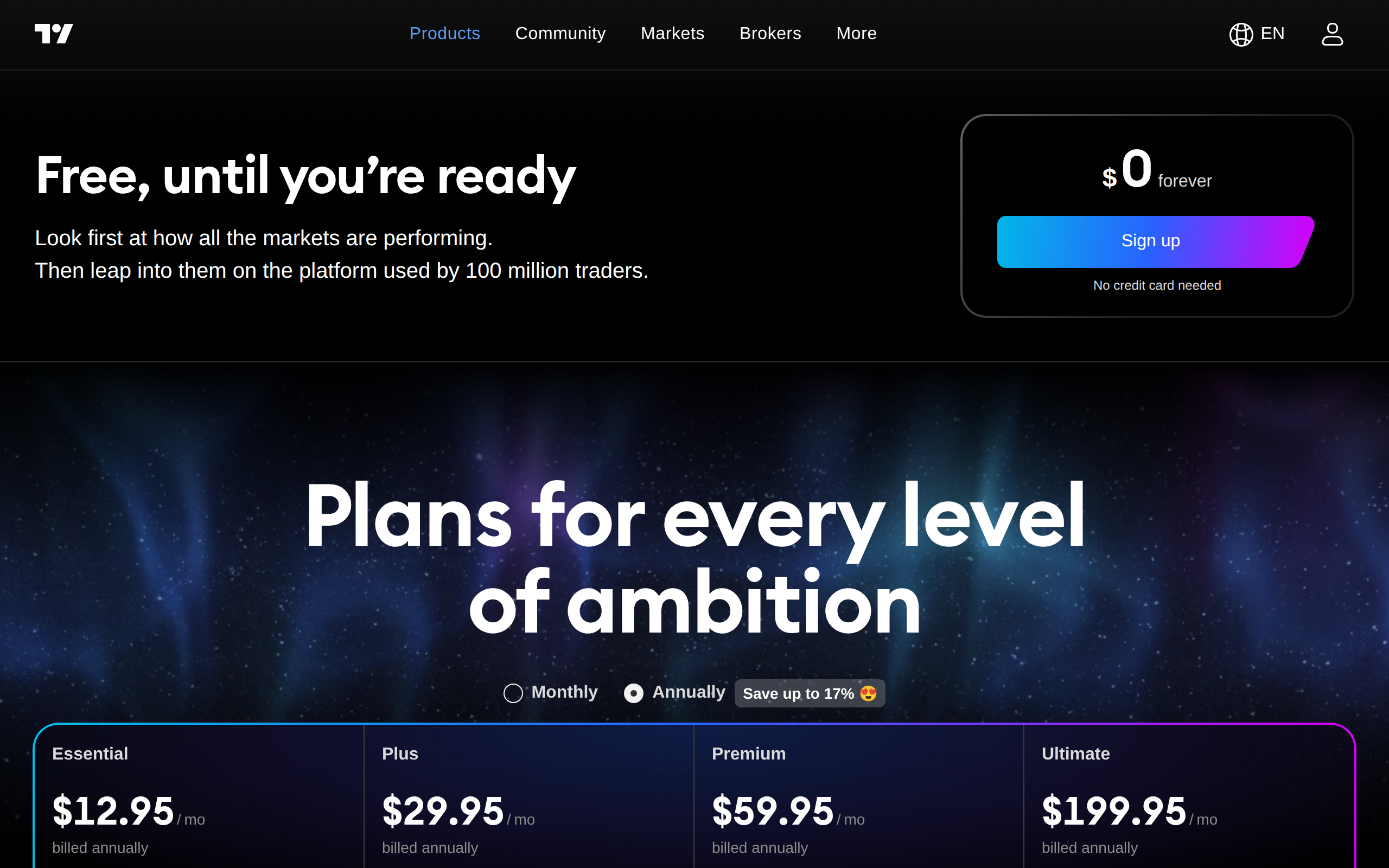
TradingView's pricing page leads with the free tier before listing Essential, Plus, Premium and Ultimate
That single distinction is why TradingView shows up under almost every exchange's own "advanced chart" button rather than a competing free tool. Exchanges built their own charts too, and traders still leave for this one.
One watchlist, over a hundred exchanges
We added pairs from four different exchanges to a single watchlist, spot and perpetual, without switching platforms once. TradingView aggregates listings from more than 100 crypto exchanges, so a Kraken spot pair and a Bybit perpetual sit in the same list with the same charting tools applied to both.
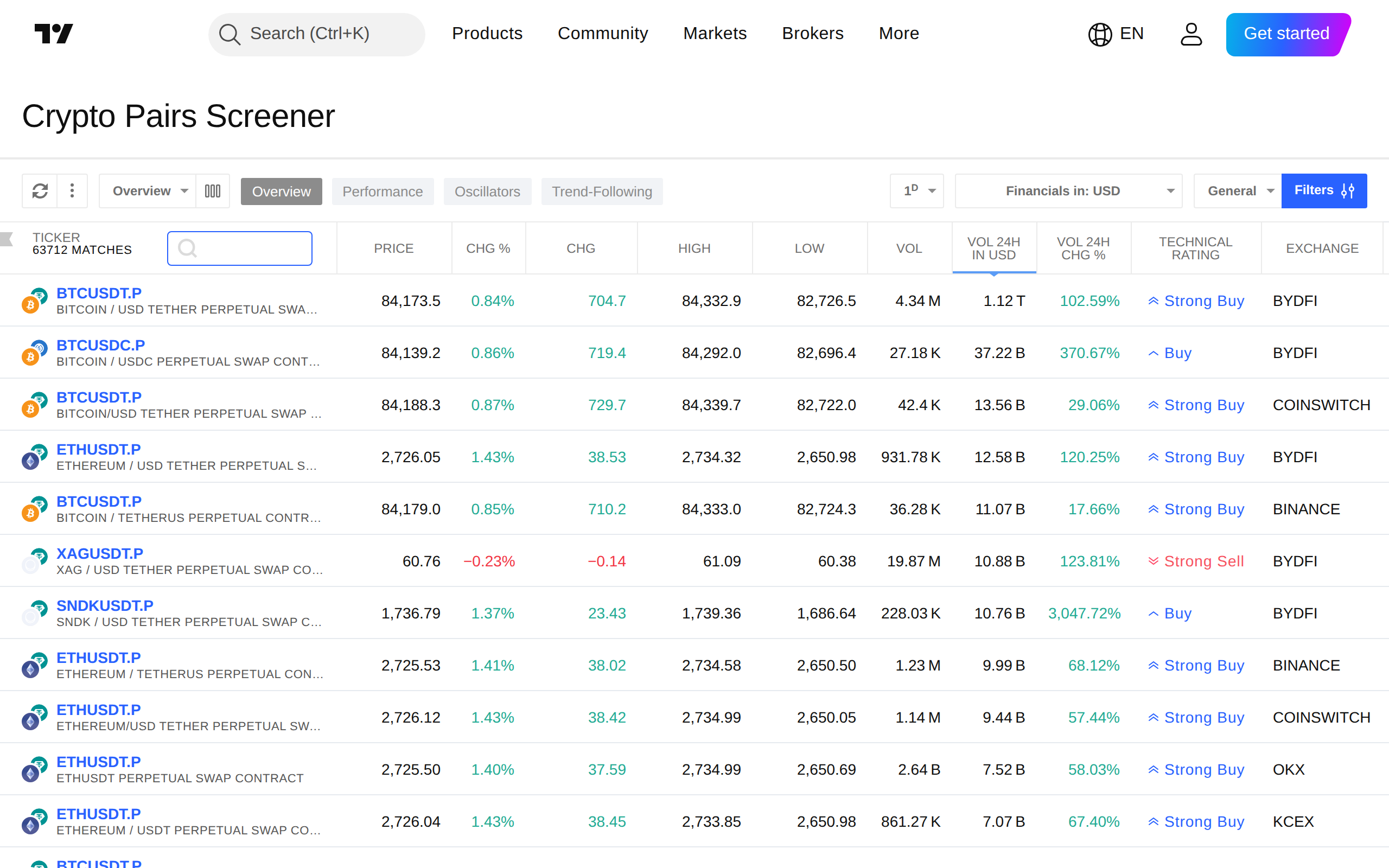
The Crypto Screener filters pairs by exchange, contract type and price action across the platform's full exchange coverage
The screener extends that same reach: filter by exchange, by contract type, by volume, and the results update against real prices rather than a delayed snapshot. For anyone comparing funding rates or spreads across venues before placing a trade, this replaces four browser tabs with one.
Three alerts is the wall you actually hit
Charting was never the constraint in our test. The free plan's real limit showed up the first time we tried to set alerts on more than three pairs at once: Basic caps active price alerts at three and allows zero technical or indicator-based alerts, and any alert you do set expires after a month and needs resetting.
That is a narrow ceiling for anyone watching a portfolio bigger than three coins. Moving to Essential at $12.95 a month lifts the cap to 20 price alerts and 20 technical alerts, which is what most of our test group actually paid for, not extra charts or indicators.
What the higher tiers add, and what they still don't
Essential also doubles charts per tab to 2 and indicators per chart to 5, up from Basic's 1 and 2. Plus, at $29.95 a month, goes further: 4 charts per tab, 10 indicators, and 100 alerts of each type, along with a longer 10,000-bar history. Premium at $59.95 pushes those ceilings again, to 8 charts, 25 indicators and 400 alerts.
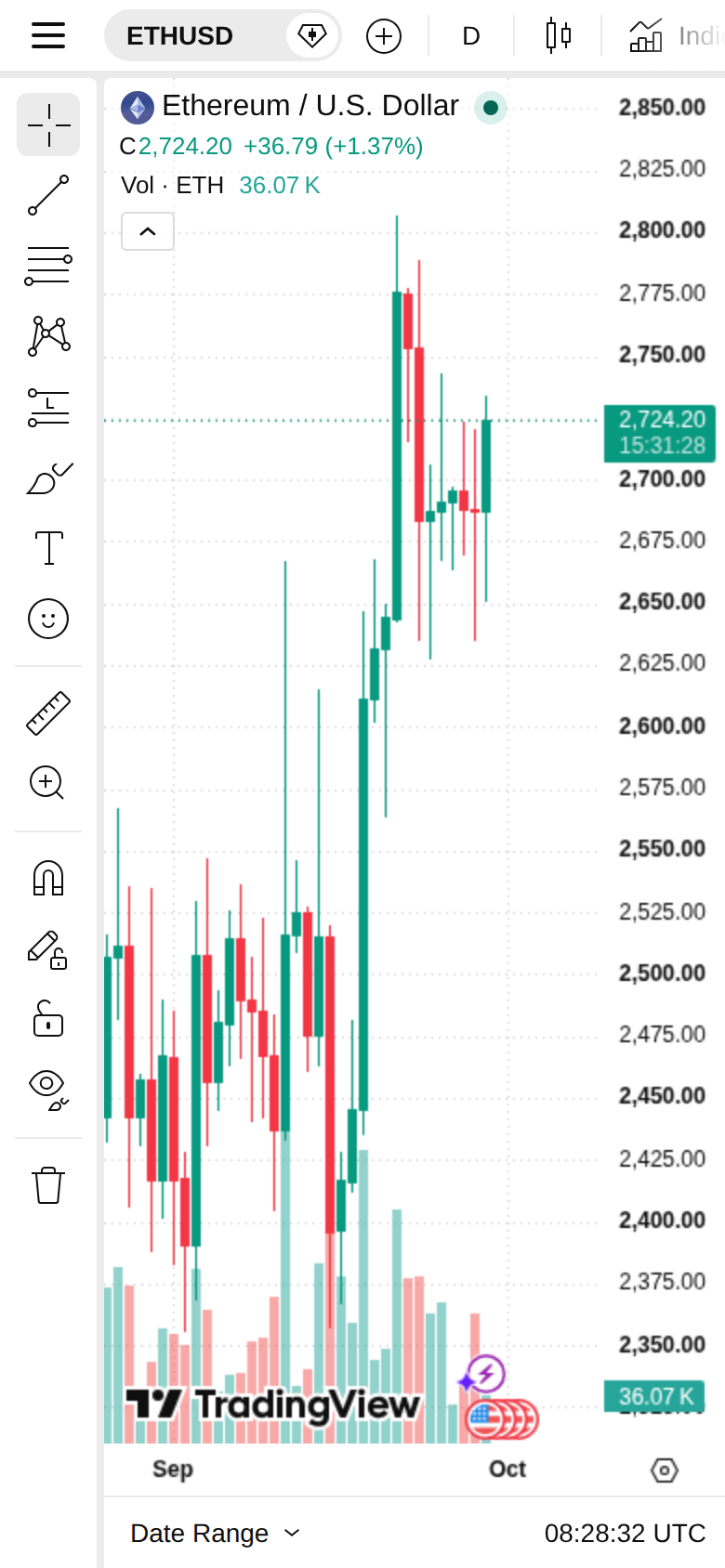
TradingView's mobile chart mirrors the desktop layout, useful for checking alerts and open positions away from a screen
None of the paid tiers remove the core tradeoff: even Premium's 25-indicator ceiling will eventually cap a trader running a dense multi-indicator screen, and only Ultimate at $199.95 lifts that to 50. Most crypto traders we spoke to during testing never needed more than Essential or Plus; the jump to Premium and Ultimate serves professional desks running many simultaneous strategies, not a single active trader watching a handful of pairs.
Who should pay, and for what
A crypto trader charting one or two pairs a day, using the built-in indicators and checking prices on mobile, gets real functional value from Basic and should not pay until the three-alert ceiling actually gets in the way. Once that happens, Essential is the correct upgrade for almost everyone: it fixes the alert limit that drove the upgrade in the first place, at a third of what Plus costs.
Skip straight to Plus only if multi-chart layouts or Pine Script indicator stacks are part of your actual workflow, not something you might use someday. We would not recommend Premium or Ultimate to anyone without a specific, named reason for needing 400 or 1,000 live alerts; that is infrastructure for a desk, not a single trader's watchlist.
Where it beats an exchange's built-in chart
Every major exchange ships a chart now, and most borrow TradingView's own widget to do it. The difference our testers kept coming back to was cross-exchange comparison: an exchange's native chart only ever shows that exchange's order flow, while a TradingView account carries the same drawings, indicators and alert rules across every venue a trader touches. Draw a trendline on a Coinbase chart Monday and it is still there on a Kraken chart of the same pair Tuesday, because the layout lives with the account, not the exchange.
Pine Script is the other piece an exchange's own chart cannot match. Community-built strategies and indicators number in the tens of thousands, and testing a handful against our BTC and ETH data took minutes rather than the custom coding an exchange's proprietary chart would require. For a trader who outgrows candlesticks and moving averages, that library is worth more than any single feature on the pricing page.
What we liked
Crypto price data is real-time on every plan, including the free Basic tier
One watchlist covers spot and derivatives listings across more than 100 exchanges
Pine Script indicators and community strategies cover almost anything a retail chart needs
Mobile and desktop apps stay in sync with the same layouts and alerts
What held it back
Basic allows only 3 active price alerts and zero technical or indicator alerts
Only 1 chart per tab and 2 indicators per chart on the free plan slows multi-pair analysis
Essential at $12.95/mo still caps indicators at 5 per chart, short of what a busy screen needs
Historical bar counts on the cheaper tiers can cut off longer-term backtests